Amazon Sole Designer AFT · 12 FCs

The interface 50 million packages a day depend on

Role

Sole Product Designer

Scope

End-to-end: Research to Ship

Timeline

12 Weeks Discovery

Ship

Production FCs globally

Certain details, visuals, and metrics have been modified or omitted to comply with Amazon confidentiality and NDA agreements.

Amazon's fulfillment centers process roughly 50 million packages every day. The associates doing that work spend their entire shift staring at a single piece of software: PackApp. It tells them what to scan, what box to use, what labels to apply, and when a shipment is complete.

PackApp hadn't been redesigned since 2013. In a decade, the workforce had diversified dramatically. Associates spoke dozens of languages. They had varying levels of tech literacy. Many had physical disabilities. The app had none of that in mind.

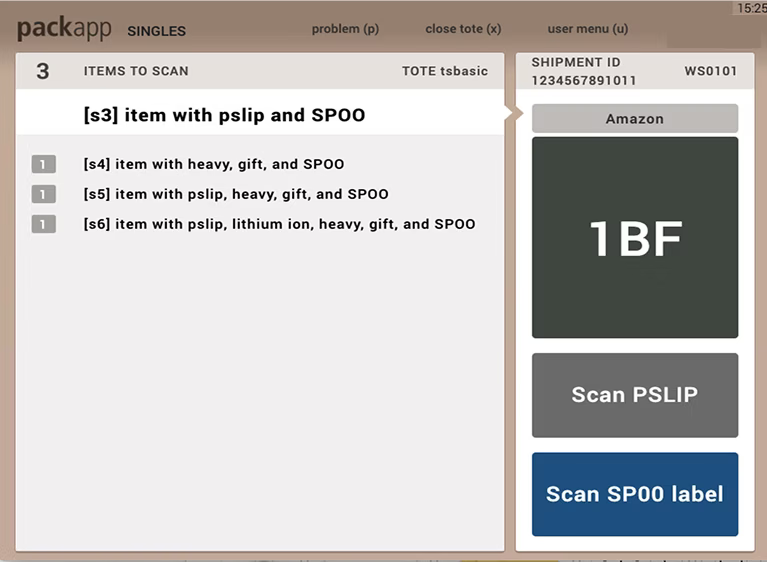
The numbers told the story. Pack Singles variable cost had climbed from $0.26 to $0.38 per unit since 2017. New associates needed 88 hours to reach veteran proficiency in Pack compared to 43 hours in Pick. Recordable injury rates in Pack were the highest of any process path in the network. The app wasn't just outdated. It was causing measurable business damage.

50M

Packages processed daily across global fulfillment centers

3M+

Warehouse associates using PackApp every shift

88hr

Hours to proficiency in Pack vs. 43hr in Pick

10yr

Since the last meaningful redesign of the interface
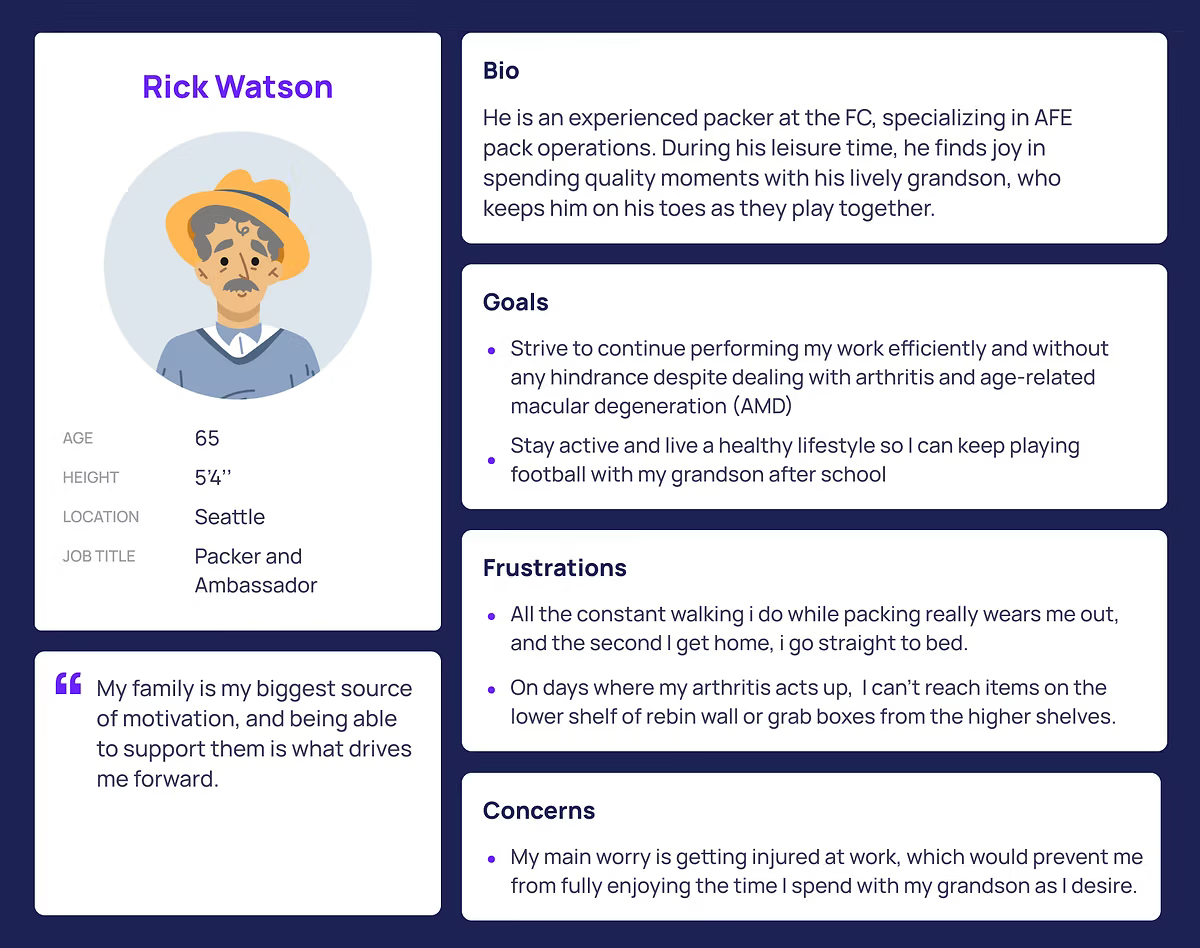
Before designing anything, I needed to understand what was actually broken. I co-led a 12-week discovery phase: visits to 12 fulfillment centers across North America and Europe, heuristic evaluations of three core pack process paths, stakeholder interviews across 6 Amazon teams, and usability sessions with 104 associates across 6 countries.

I conducted a full UI audit, mapping every screen across 20+ pack modes, cataloging components, identifying redundancies, and building an Associate Map: a complete view of every digital and physical step a packer takes in a single shift.

What I found wasn't a visual problem. It was a cognitive load problem at industrial scale.

Pain 01

"I don't know which mode I'm in until something goes wrong."

Associate, FC-PDX5, Portland OR

Pain 02

"The codes mean nothing to me. I memorized them but I still guess."

Associate, FC-LGB8, Los Angeles CA

Pain 03

"When I'm cross-trained to a new station I feel like it's my first day again."

Associate, FC-MAN1, Manchester UK

PackApp had accumulated over 20 distinct pack modes over a decade. Each was a slightly different version of the same core workflow, built to accommodate variations in station type, region, fulfillment type, and process path. Every time Amazon added a process requirement, someone built a new mode instead of evolving the existing ones.

Associates switching between modes were consistently the ones making errors. The inconsistency was the defect source, not a side effect. Leadership disagreed. Changing software used by 3 million associates felt catastrophic if something broke.

The argument

The modes are not fundamentally different. They are the same job with variation.

Scan item, select packaging, complete shipment. The underlying logic could be unified into a single adaptive UI that surfaced only what was needed for the current task. Usability testing confirmed it: associates encountering unfamiliar modes made significantly more errors in the first 15 minutes, not because the task was harder, but because the UI pattern had shifted. The fragmentation itself was the failure mode.

That data shifted the conversation. Leadership approved consolidation. We moved forward with a single adaptive interface across all pack workflows, with context-specific variations handled in the logic layer, not the UI layer.

The design wasn't a single breakthrough. It was five compounding decisions, each addressing a specific failure mode identified in research. Each decision had a legitimate counter-argument. Each required evidence to hold.

01 /

One task per screen

The old interface split into two competing panels simultaneously. Associates had to context-switch constantly. The redesign put one primary action front and center, everything else collapsed unless needed.

02 /

Replace codes with visuals

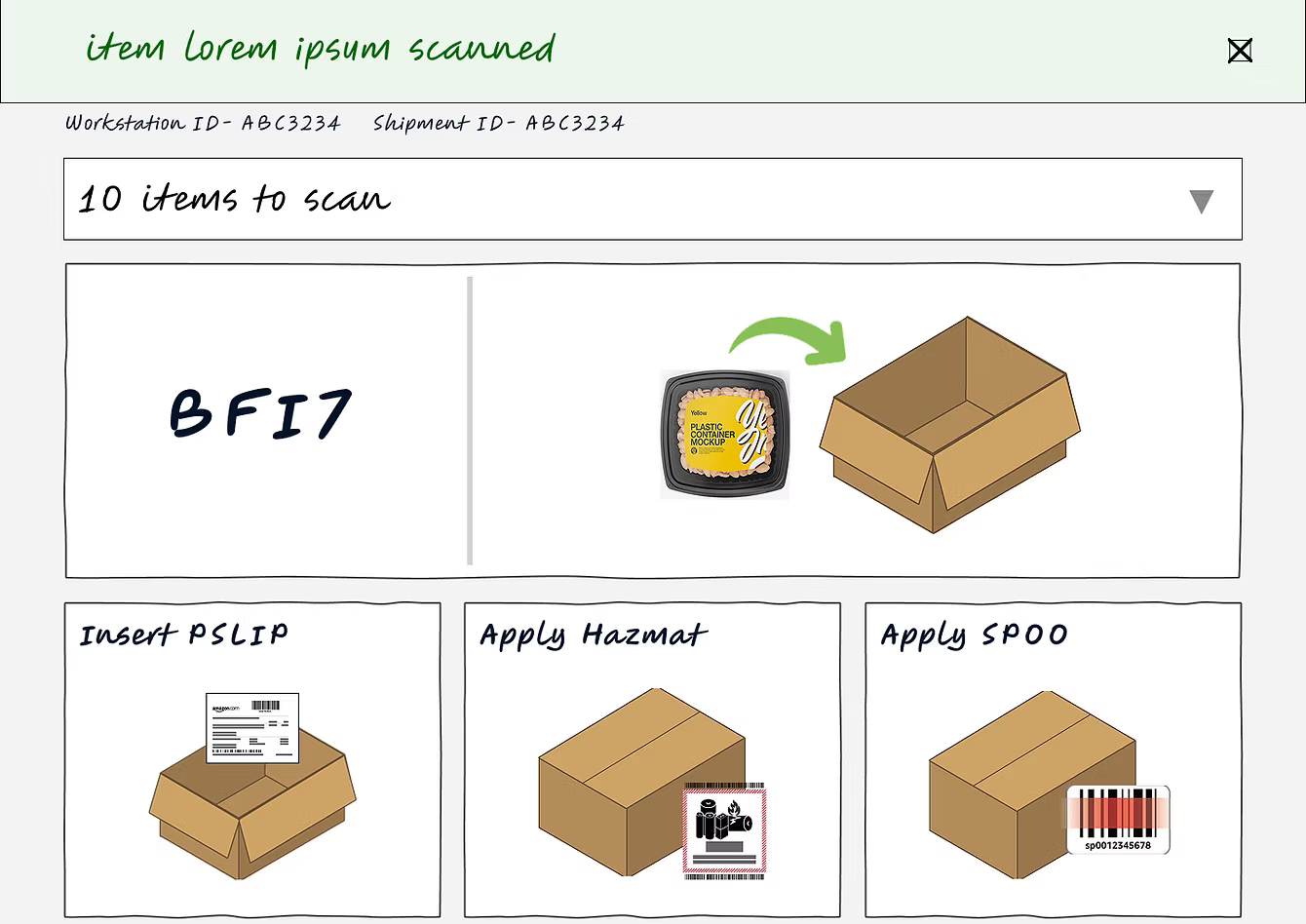
"1BF" means nothing to a new associate on day one. The redesign replaced alphanumeric box codes with illustrated box types showing actual dimensions and a directional placement indicator: "A1-PM5, top right," with an arrow.

03 /

Visible progress

The old app had no sense of progress within a tote. A persistent counter, "0 of 5 shipments processed," gave packers agency, pace, and a sense of completion within each cycle.

04 /

Completion states that feel human

When a packer finishes a shipment, the old app showed a dark green box with small text. The redesign gave them a moment of recognition: a clear illustration and explicit next instruction. Recognition is a performance accelerant.

05 /

Directional illustrations for complex steps

Instead of abstract text instructions, the redesign used illustrated guides showing exactly what to do and where. This reduced training dependency and improved accessibility across languages and literacy levels globally.

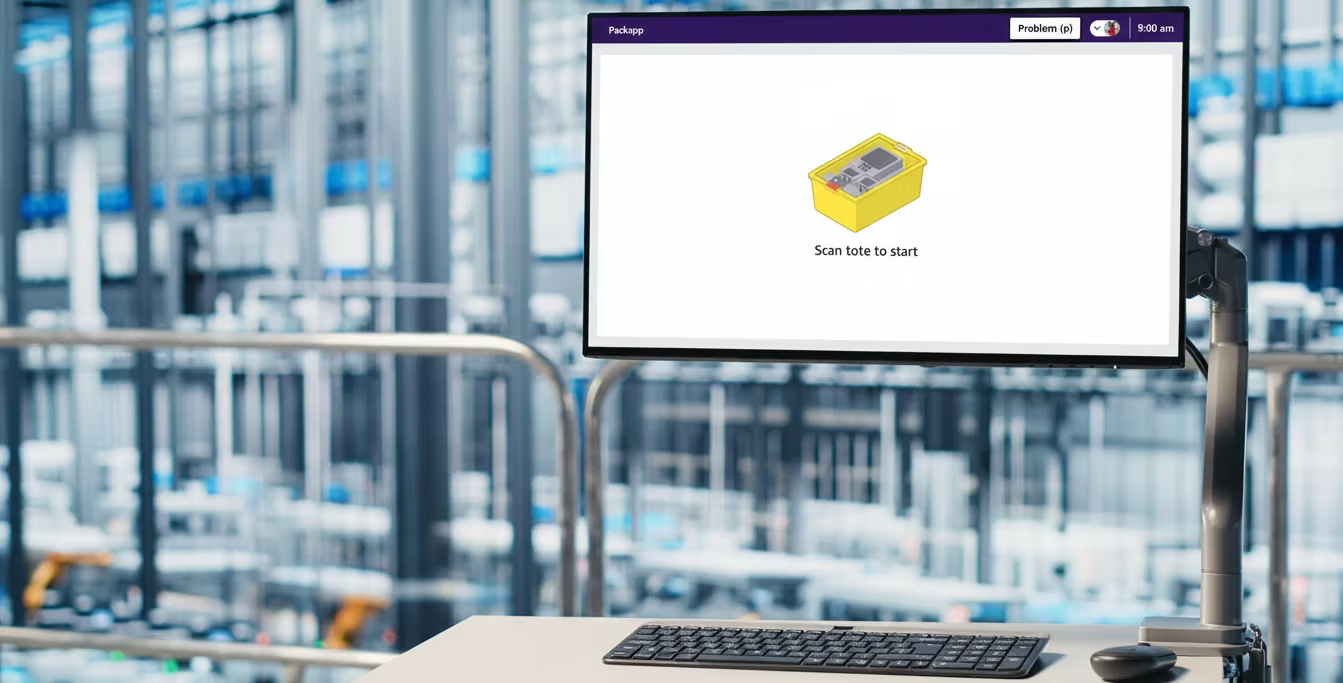
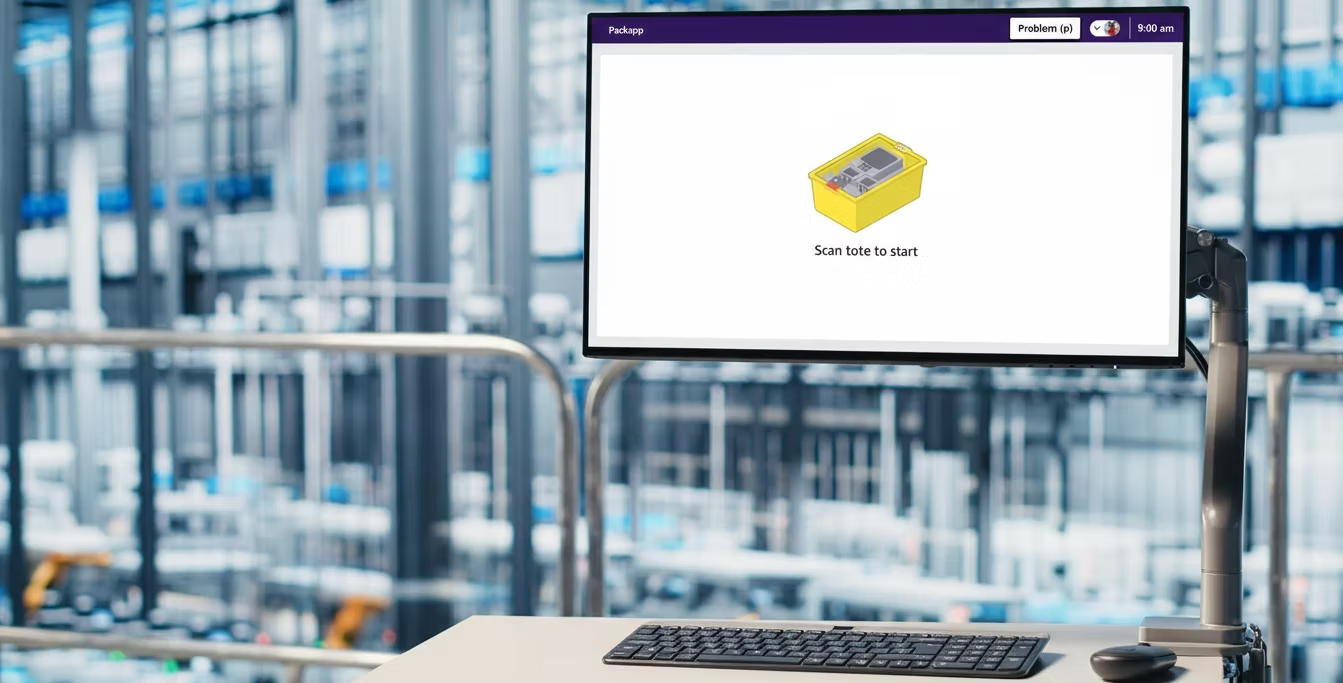
PackApp Problem (p) · 9:00 am

Scan tote to start

PackApp Problem (p) · 9:00 am

Box type

A1-PM5

↗ Top right

Next step

Pslip

Scan and place inside bag

0 of 5 processed
Expand
PackApp Problem (p) · 9:00 am

Shipment complete

Place it on the conveyor

1 of 5 processed
Expand
PackApp Problem (p) · 9:00 am

Tote complete

Place it on the conveyor
Scan another tote to continue

5 of 5 processed
Done

05

What shipped

30%

Increased associate satisfaction measured by NPS

20–25%

Reduced time to proficiency for new packers globally

10–15%

Improved task completion efficiency across modes

$60MM

Projected 3-year productivity savings in the operating plan

Every decision I made affected millions of people doing physical work in high-stakes environments. That changes how you think about what good design means. It is not about elegance. It is about what happens at the tail end of the distribution: the associate who is 5 feet tall, packing for 8 hours in a second language, on their third station of the day. That person is your user. Design for them and you have designed for everyone.

The other thing I learned: seniority in design is not about taste. It is about knowing when to make the business argument, how to build the evidence for it, and how to hold a position when leadership says the risk is too high. Sometimes the job is to show that the real risk is staying still.

"At this scale, design is risk management."

— Edomiyas Beyene, Amazon AFT